


Start here

What a resume template actually does

A resume template is a fixed layout — margins, type sizes, heading weights, section order — that you pour your own text into. It decides nothing about what you write, and that is the point: once the layout stops being a decision, all of your attention goes into the sentences that get you the interview.

A template that works keeps the body text in one readable column, uses real headings instead of text boxes, puts dates where the eye already looks for them, and never hides a word inside an image. A template that does not work is usually beautiful and unreadable to the software that opens it first.

The three layouts below are generated from the fields you fill in, so the text in the PDF comes out in reading order. You can see them filled with real content before you type anything.

Pick the format first, the design second

Format is the order your history is told in. Design is what it looks like. Getting the order wrong is expensive; getting the font wrong is not.

  • Reverse chronological

    Newest job at the top, then backwards. Recruiters read it without thinking and parsers expect it. Pick this one unless you have a specific reason not to.

    Best for
    Most people, most of the time
    Watch out
    Gaps are visible. Explain them in one line rather than hiding them.
  • Functional (skills first)

    Skills grouped at the top, employers reduced to a list at the bottom. It reads as an attempt to hide dates, and parsers routinely detach your achievements from the jobs they happened in.

    Best for
    Almost nobody
    Watch out
    If you are reaching for this, the hybrid below does the same job without the suspicion.
  • Hybrid

    A short block of evidence at the top — four to six lines, each one a concrete result — sitting above a full reverse-chronological history.

    Best for
    Career changers and under-titled roles
    Watch out
    The top block must be specific. A list of adjectives there is worse than no block at all.

The long version: chronological, functional or hybrid, and when each one costs you interviews →

One entry, before and after

What people write

Sales, Acme s.r.o.

Responsible for customers and reporting. Worked with the team on various projects.

What gets read

Account Manager — Acme, Prague

Mar 2022 – Aug 2025

• Carried a book of 40 mid-market accounts; lifted renewal rate from 71% to 84% over two years.

• Rebuilt the weekly pipeline report, cutting the Monday review from 90 minutes to 25.

• Onboarded three new account executives; two hit quota in their first full quarter.

Illustrative entry, not a real customer.

The template fixes the alignment, the heading weight and the spacing. The rewrite is the part that changes who calls you back — and it is the part the builder helps with, by rephrasing your own sentence instead of inventing a new one.

Try a template with your own textNo account, no card. The Basic template is free without a watermark.
The layouts

Eight CV layouts and four web layouts

Every one of them is filled from the same fields, so you can write once and look at your CV on each of them before you decide. Open a live example, or start a blank CV on the layout you like.

Get both formats at once!

Create a professional CV and automatically get a modern web presentation. Everything in just a few minutes.

CV templates for the PDF you send

A4 or US Letter, one text layer, no graphics standing in for words.

Every layout takes your own accent colour, one of six typefaces, compact or spacious spacing, the section order you want and optional skill levels.

  • ATS Pro preview
    Preview
    ATS Pro

    Designed layout with a dark header, timeline and skill tags that applicant tracking systems still read as clean text

    Dark header with your photo, a timeline for experience, skill tags and language bars, all in one reading column. Every graphic is decoration only: headings, MM/YYYY dates, bullets and full URLs reach the ATS as plain text in the standard order.

    Preview Online
  • Basic preview
    Preview
    Basic

    Plain one-column layout that every applicant tracking system reads. Free with no watermark.

    Single column, no photo, no colour and no graphics: plain headings in the standard order that every ATS reads. The one template you can download free without a watermark.

    Preview Online
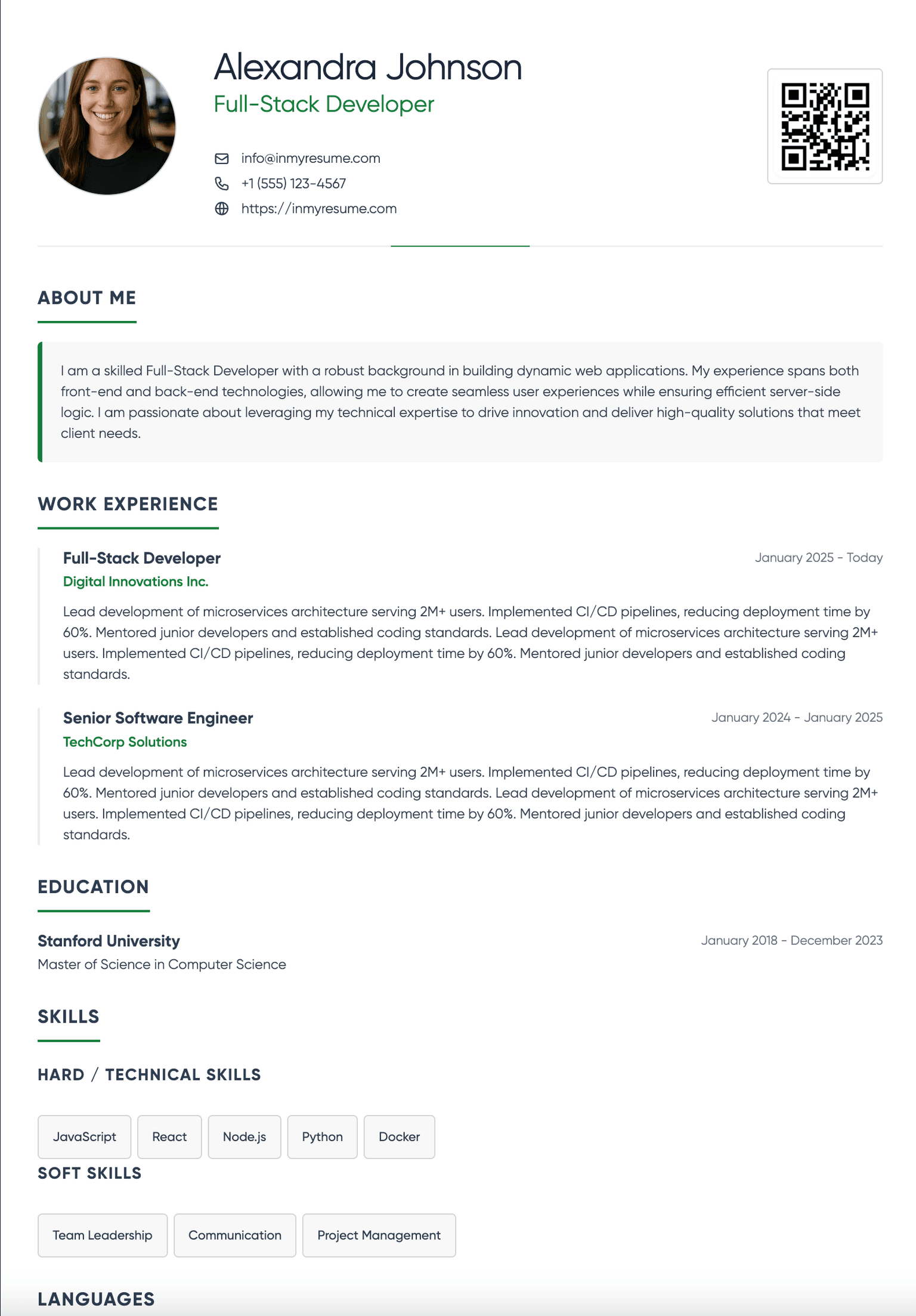
  • Classic preview
    Preview
    Classic

    Traditional professional layout with clear sections

    Single column. Uppercase section rules, generous line height, dates right of each role. The safe choice, and the one to send when you have no information about the employer.

    Preview Online
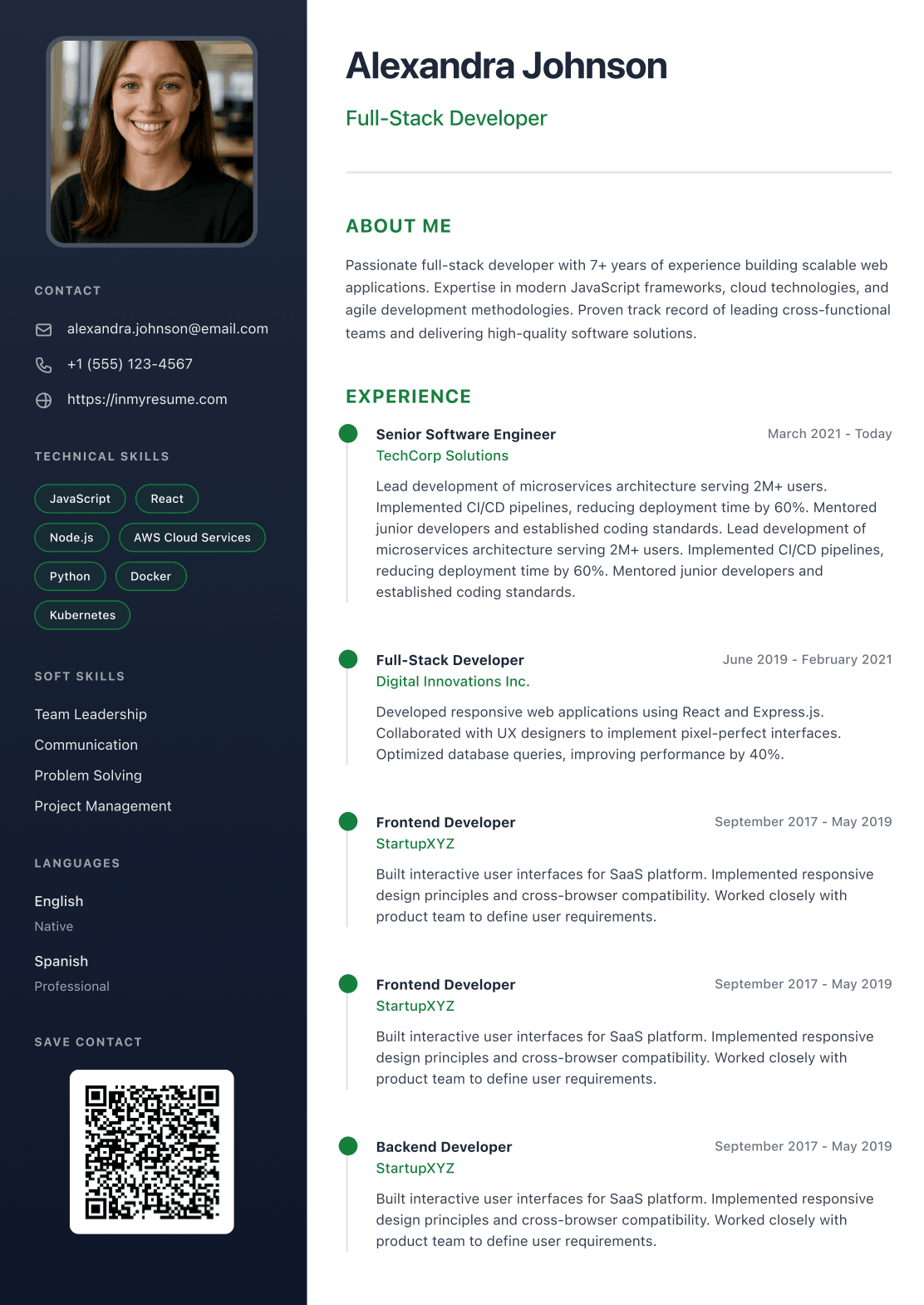
  • Modern preview
    Preview
    Modern

    Contemporary two-column design with sidebar

    Two columns: a dark sidebar taking a third of the page for photo, contact details, skills and languages, with experience and education in the wide column. Body text never splits across the two.

    Preview Online
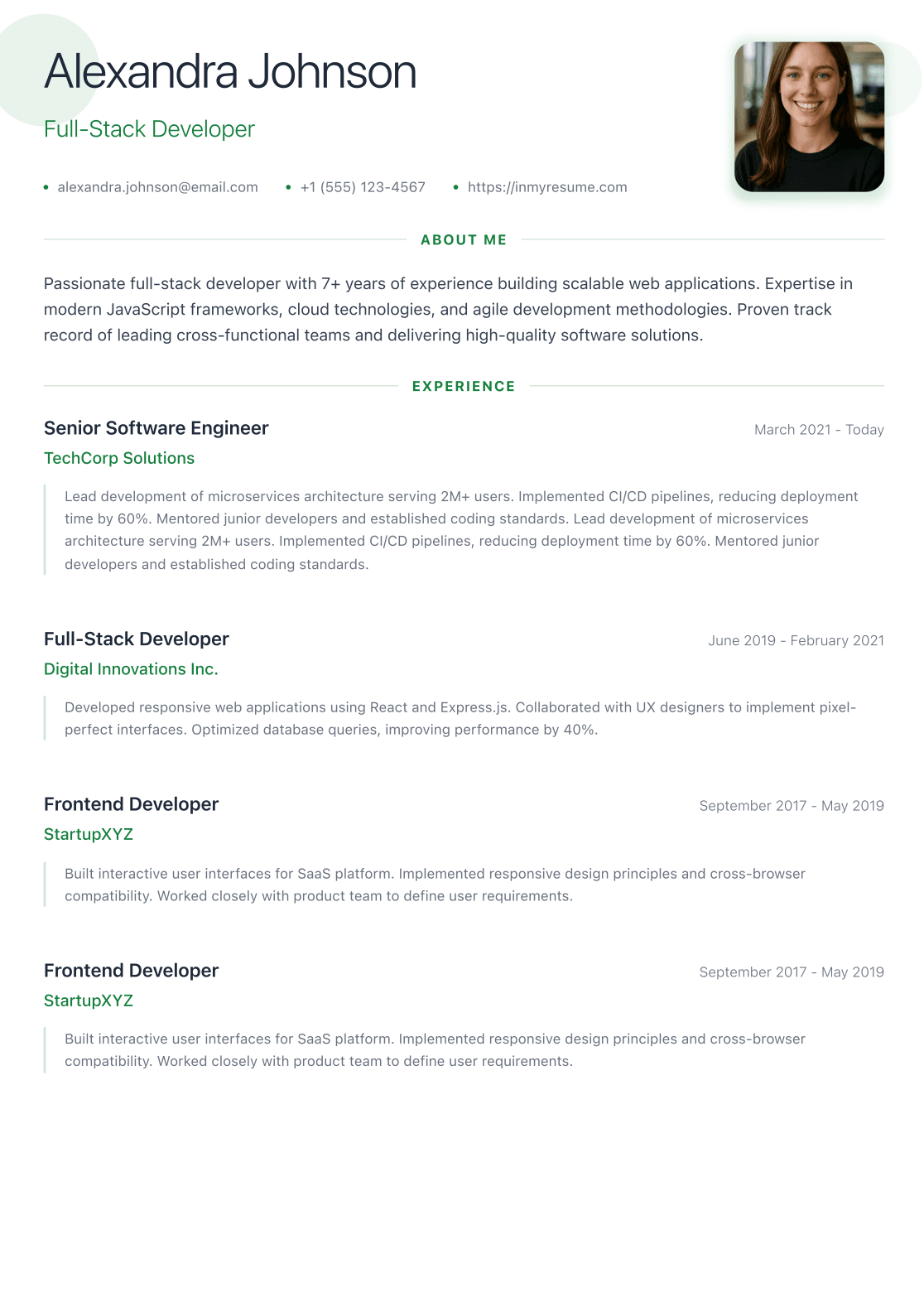
  • Minimal preview
    Preview
    Minimal

    Clean and elegant single-column layout

    Single column with wide-tracked headings and no rules or fills at all. Skills sit in two short lists. Fits a lot of text per page.

    Preview Online
  • Executive preview
    Preview
    Executive

    Serif, one column, no photo. Understated layout for senior and management roles that every ATS reads

    Single column in a serif face, no photo. A centred name, hairline section rules and dates beside each role; skills as plain comma lists. Reads like a board-level CV and parses like Basic.

  • Europass preview
    Preview
    Europass

    The familiar European layout: labels and dates on the left, content on the right, with a photo

    A narrow label column with section names and dates, the content beside it, photo in the header. The layout recruiters across the EU know from Europass, in your own colours.

  • Creative preview
    Preview
    Creative

    Bold colour header with photo and pill skills, for design, marketing and product roles

    A full-width band in your accent colour with a round photo, then one column of sections with accent-edged roles and pill-shaped skills. For design, marketing and product roles.

Web templates for the link you share

The same CV published as a page with its own short address and a QR code.

  • Signature preview
    Preview
    Signature

    Your colour, typeface and section order, set like the PDF

    Web page in the colour, typeface, density and section order you pick for your PDF, so both match. The default for a new web CV.

  • Studio preview
    Preview
    Studio

    Editorial layout in the InMyResume design language

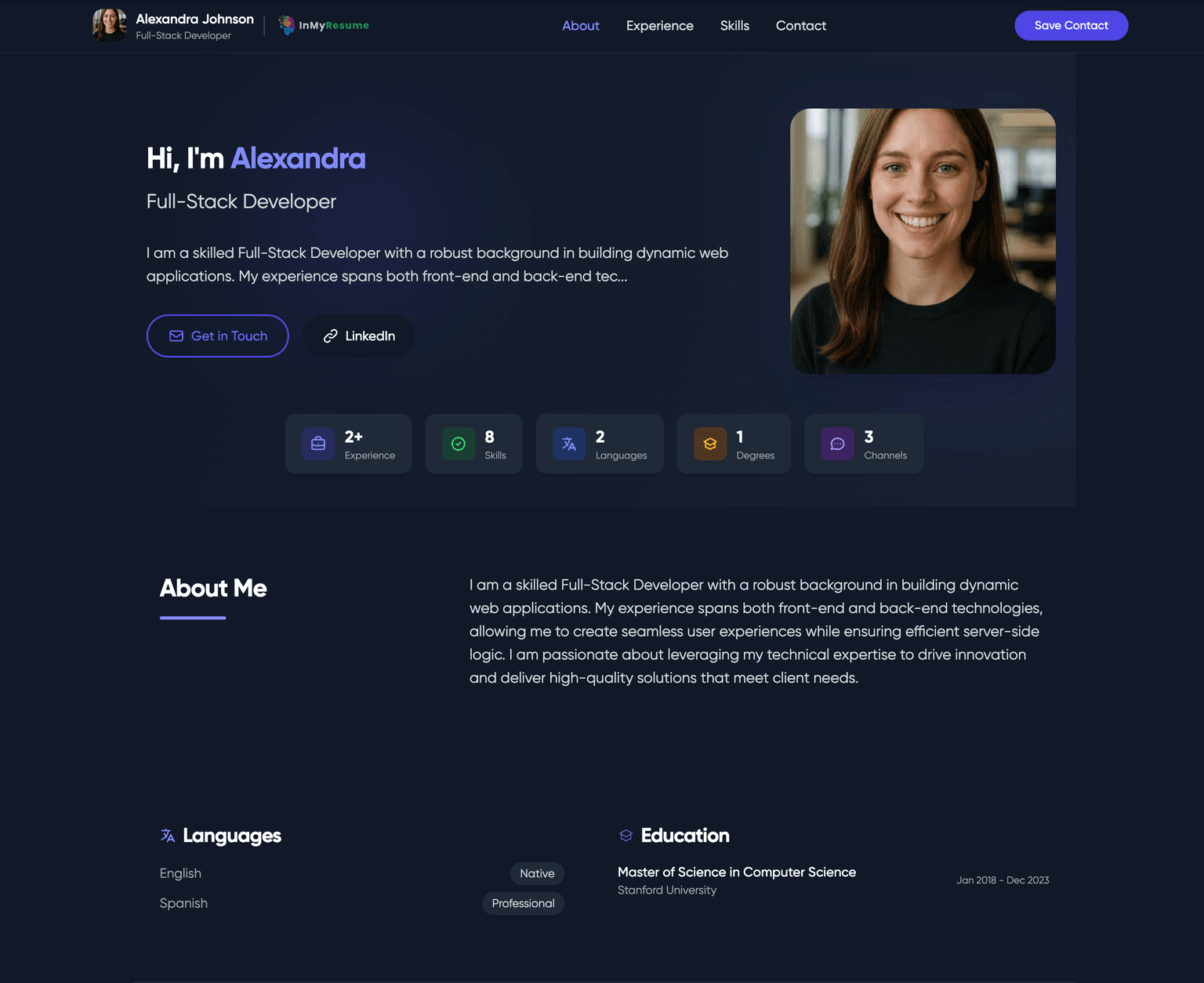
    Editorial web page in the InMyResume design language.

    Preview Online
  • Classic preview
    Preview
    Classic

    Traditional professional business web layout

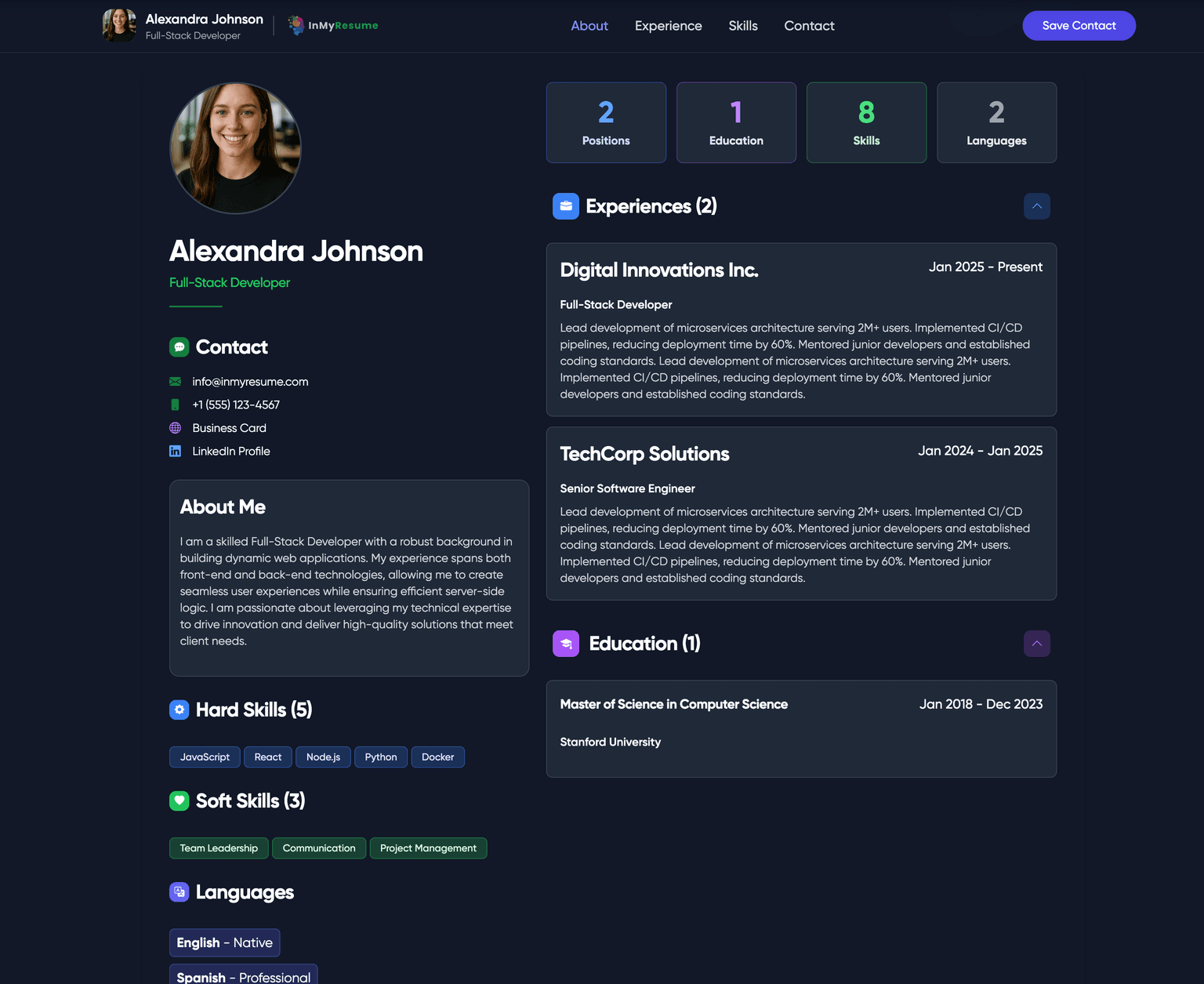
    Web business card in the traditional layout: photo, title, contact block, then your history underneath.

    Preview Online
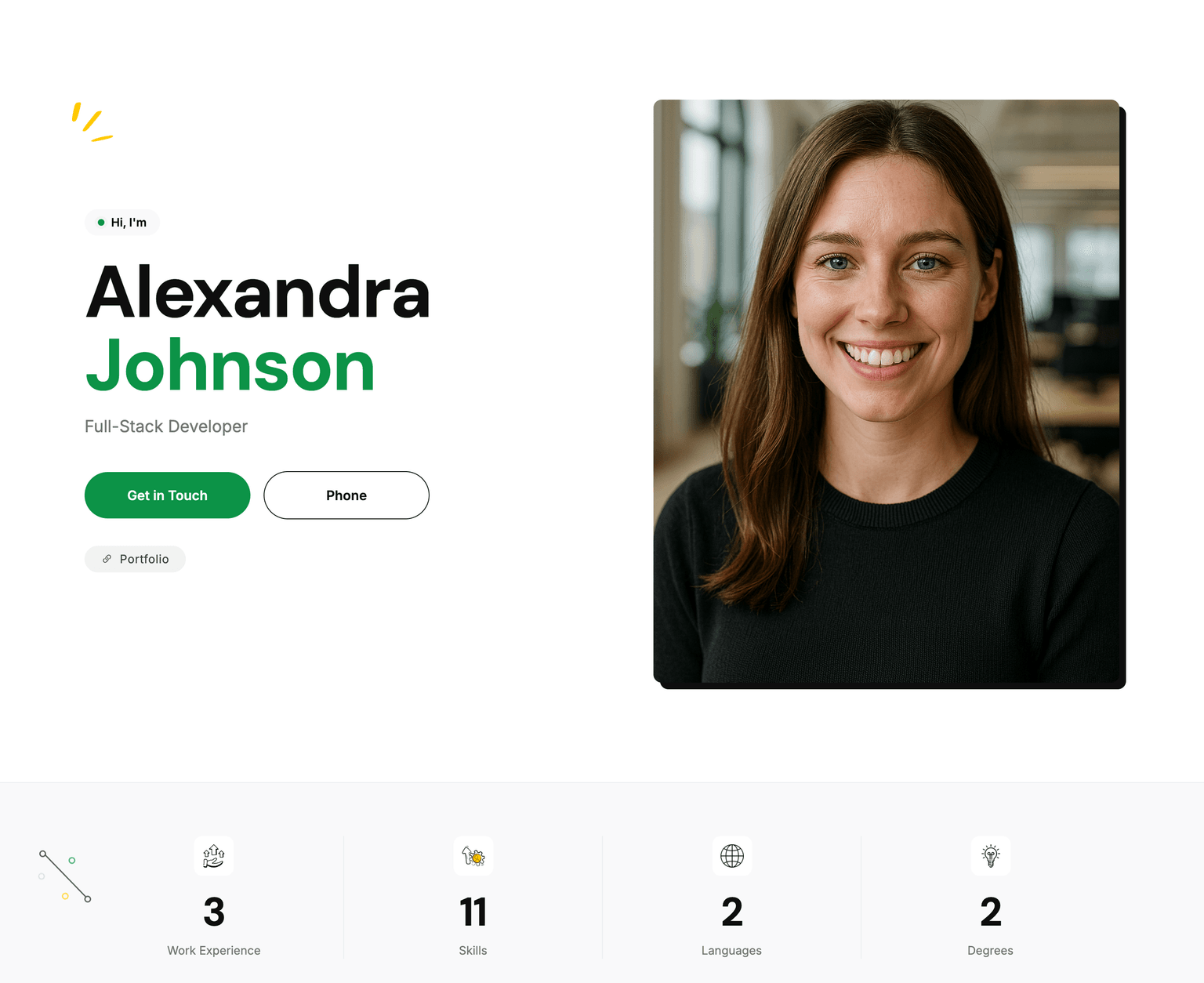
  • Modern preview
    Preview
    Modern

    Contemporary business web design with modern elements

    Web business card with larger type and section blocks, built for reading on a phone.

    Preview Online
Rather see one filled in than empty?

The demo is a complete CV on a real layout, with the live preview and the PDF beside each other. Nothing to fill in, nothing to sign up for.

Anatomy

What belongs in the template, and in what order

Every layout here fills the same sections. This is the order they appear in, and the reason each one sits where it does.

  1. Name and one-line title

    The title is the job you are applying for, not the job you currently hold. "Account Manager" beats "Motivated professional".

  2. Contact block

    City and country, email, phone, one link. Not your full street address, not your date of birth unless the market expects it.

  3. Summary, two to three sentences

    What you do, how long you have done it, and one result. If it could sit on anyone else's resume, delete it and give the space to experience.

  4. Experience, newest first

    Three to five bullets on the last two roles, one or two on anything older than eight years. Each bullet is an action and an outcome, not a duty.

  5. Education

    Above experience while you are still studying or in your first year out. Below it, and down to two lines, from then on.

  6. Skills

    Named tools and languages. No five-star ratings — nobody believes them, and a parser reads the stars as nothing at all.

  7. Certificates, languages, links

    Only the ones a stranger would recognise or verify. A portfolio link earns its line; a link to your homepage rarely does.

Five things that quietly break a good-looking template
  • Contact details in the page header or footer. Many parsers never read that region, so your phone number disappears.
  • Side-by-side columns of body text. Parsers read across the page, so the two columns interleave into nonsense.
  • Tables used for layout. The cells arrive in an order nobody intended.
  • Icons instead of labels. A small envelope glyph is not the word "Email" to anything reading the text layer.
  • A PDF exported as a picture of a page. There is no text to extract, so the resume scores zero on every keyword.
Word, Google Docs, Canva

Where the free template you already have will let you down

Most people start from a Word file, a Google Docs gallery template or a Canva design. All three can work. Here is what each is genuinely good at, and the failure that catches people out.

  • Microsoft Word
    Good at
    Everyone can open it, and a handful of agencies still insist on a .docx. Track changes makes feedback from a friend easy.
    Falls down when
    Downloaded templates lean on text boxes and layout tables, which parse out of order. The file also reflows on a machine with different fonts, so your neat one-pager arrives as one and a bit.
  • Google Docs
    Good at
    Free, nothing to install, version history, and a share link you can send to someone for a second opinion.
    Falls down when
    The built-in gallery is five templates that every recruiter has seen several hundred times, and third-party ones bring the same text-box problem. Watch for a trailing blank page on export.
  • Canva
    Good at
    By a distance the best-looking output of the three, and unbeatable for a portfolio PDF you hand to someone in person.
    Falls down when
    Everything is a positioned element on a canvas. An applicant tracking system receives a picture of a resume rather than a resume, so the keywords it is scanning for are simply not there.
  • InMyResume
    Good at
    The layout is generated from structured fields, so the text layer comes out in reading order and the page count is predictable. First PDF is free and needs no account.
    Falls down when
    You get a PDF and a web page, not a .docx you can hand-edit in Word afterwards. If an employer demands an editable Word file, this is not the tool for that step.

If you keep a Word or Docs version, keep it as the draft and treat the exported PDF as the thing you actually send. The version an employer opens should be the one you controlled the layout of.

Free and paid

What costs nothing, and what costs something

Every template on this page is usable without paying. The paid steps buy a clean file and the rest of the toolkit, not access to the layouts.

  • No account needed
    Free

    Fill in the builder, pick a layout, download the PDF. Basic comes without a watermark; Classic, Modern and Minimal carry a small one. Good enough to check the layout against a real job posting before you commit.

  • One clean PDF
    $4.90

    The same file without the watermark, bought as a guest — no account, no confirmation email to click first. The download link works for 30 days and is emailed to you as well.

  • Job Search Pack, 30 days
    $29

    Every template, unlimited CV versions, the web CV with its own link and QR code, cover letters and the ATS check. One payment, no auto-renewal.

  • A year
    $69

    The same access for twelve months, for people who expect to be applying on and off rather than in one burst.

Prices in US dollars. Nothing here renews by itself.

Cover letter template

A cover letter skeleton you can fill in tonight

One page, 250 to 400 words, four paragraphs. Same header as your resume so the two arrive looking like one application. Address a person if the posting names one, "Dear Hiring Team" if it does not — never "To Whom It May Concern".

  1. 1. The opening, two sentences

    Name the role and where you saw it, then one line on why this employer specifically.

    Example
    "I am applying for the Account Manager role you posted on 12 September. I have spent three years renewing mid-market SaaS contracts, and the Czech expansion you announced last quarter is the exact problem I have been solving at Acme."
  2. 2. The proof, one story

    One thing you did, with a number attached and an outcome someone else cared about. Not a list — a story short enough to read in one breath.

    Example
    "When renewals slipped to 71%, I rebuilt the review call around usage data rather than a discount conversation. Eighteen months later the rate was 84%, with average contract value up, not down."
  3. 3. The fit, three lines

    Take two or three requirements straight out of the posting and answer them in the posting's own words. This is the paragraph a keyword scan rewards, and the one a human uses to justify the shortlist.

    Example
    "You ask for CRM discipline and forecast accuracy: I ran a 40-account book in HubSpot with forecasts inside 10% for six consecutive quarters."
  4. 4. The close, one line

    State that you are available, thank them, stop. No paragraph about how excited you are.

    Example
    "I can start within a month and would be glad to walk you through the renewal playbook. Thank you for your time."
Three lines to delete on sight
  • "I am writing to express my interest in…" — you have spent your opening sentence saying nothing.
  • "I am a hard-working team player with excellent communication skills." — so is every other applicant, allegedly.
  • "Please find my CV attached." — they can see the attachment.
First resume

A template for high school, university and career switchers

With no employment history, the reverse-chronological layout still works — you just fill it with different evidence. The mistake is leaving it half empty and calling it a summary.

What goes in the experience section instead

  • Coursework with an outcome

    "Final-year project: built a booking site for a local clinic in Django; it replaced a paper diary and is still in use by six staff."

  • Part-time and seasonal work

    Retail and hospitality are real jobs with real numbers. "Handled the Saturday rush alone, averaging 180 covers" says more about you than a certificate does.

  • Volunteering and clubs

    Treasurer, team captain, organiser of a 200-person event — all of it is responsibility someone trusted you with.

  • Things you built for yourself

    A mod, a shop, a following, a tool your friends actually use. Say what it is, how many people used it and what you had to learn.

One page. Education at the top until you have a year of full-time work behind you. Leave off the school you left at fifteen once you have a degree.

Business card

The business card here is a web page, not a print sheet

If you came looking for a sheet of ten cards to run through a home printer, this is not that, and pretending otherwise would waste your evening. What InMyResume builds from the same CV data is a digital business card: one web page, its own short link and a QR code.

  • A page at your own short address that you can send in an email signature or a message.

  • A QR code you can put on a printed card, a slide or a conference badge, pointing at the live page.

  • Change a job title once and every card you handed out is already up to date.

  • You can see how many people opened it and when, which a paper card will never tell you.

Questions people ask before they pick one

How do you format a resume?

Reverse chronological order, one column of body text, one page under ten years of experience and two above it. Body text at 10 to 11 points, margins no tighter than 1.5 cm, a single font family, and dates in a consistent format down the right-hand side or under each job title. Send a PDF unless the posting asks for something else, and name the file with your own name in it rather than resume-final-v3.

How do you format a cover letter?

One page, 250 to 400 words, four short paragraphs: why this job, one piece of proof with a number in it, two or three lines answering the posting's own requirements, and a one-line close. Reuse your resume header so the two documents match, address a named person where the posting gives you one, and export to PDF. Left-aligned throughout, no indented first lines, no justified text.

What is the best resume template?

The one that matches the shape of your history and survives being read by software. For most people that is a clean reverse-chronological single-column layout with clear headings — which is why our Classic exists and why it is the one we suggest first. Two columns are fine for the sidebar of contact details and skills, as in Modern, but not for the experience section. Beyond that, a template stops mattering: two candidates on the same layout are separated entirely by what their bullets say.

Are the templates really free?

You can fill in any of them and download a PDF without an account or a card; Basic comes without a watermark and the others carry a small one. A clean copy of a single PDF is a one-off purchase with no account needed, and the 30-day pack unlocks every template, the web CV, cover letters and the ATS check. Nothing renews on its own.

Will these templates pass an ATS?

The text layer is generated from structured fields, so headings, dates and bullets come out in reading order rather than scattered across a canvas — which is where most attractive templates fail. Passing the screen itself also depends on your wording matching the posting, so the ATS check reads your finished CV against a specific job ad and tells you what is missing.

Can I switch template after I have written everything?

Yes. The content lives in fields, not in the layout, so switching between Classic, Modern and Minimal re-renders the same CV and changes nothing you typed. It is worth exporting the same CV on two layouts and looking at both before you send one.

Let's get your next application ready!